Ring up a sale
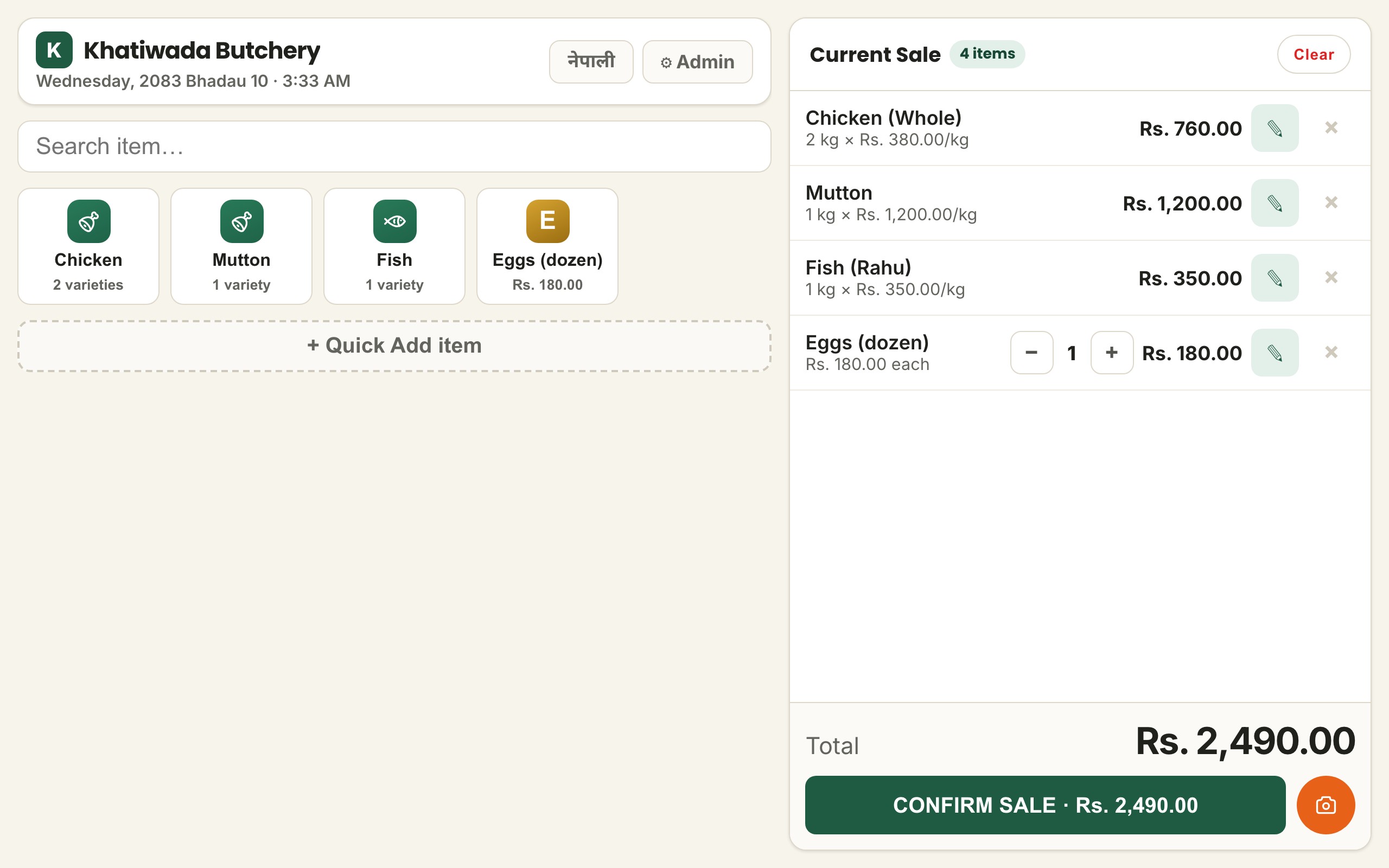
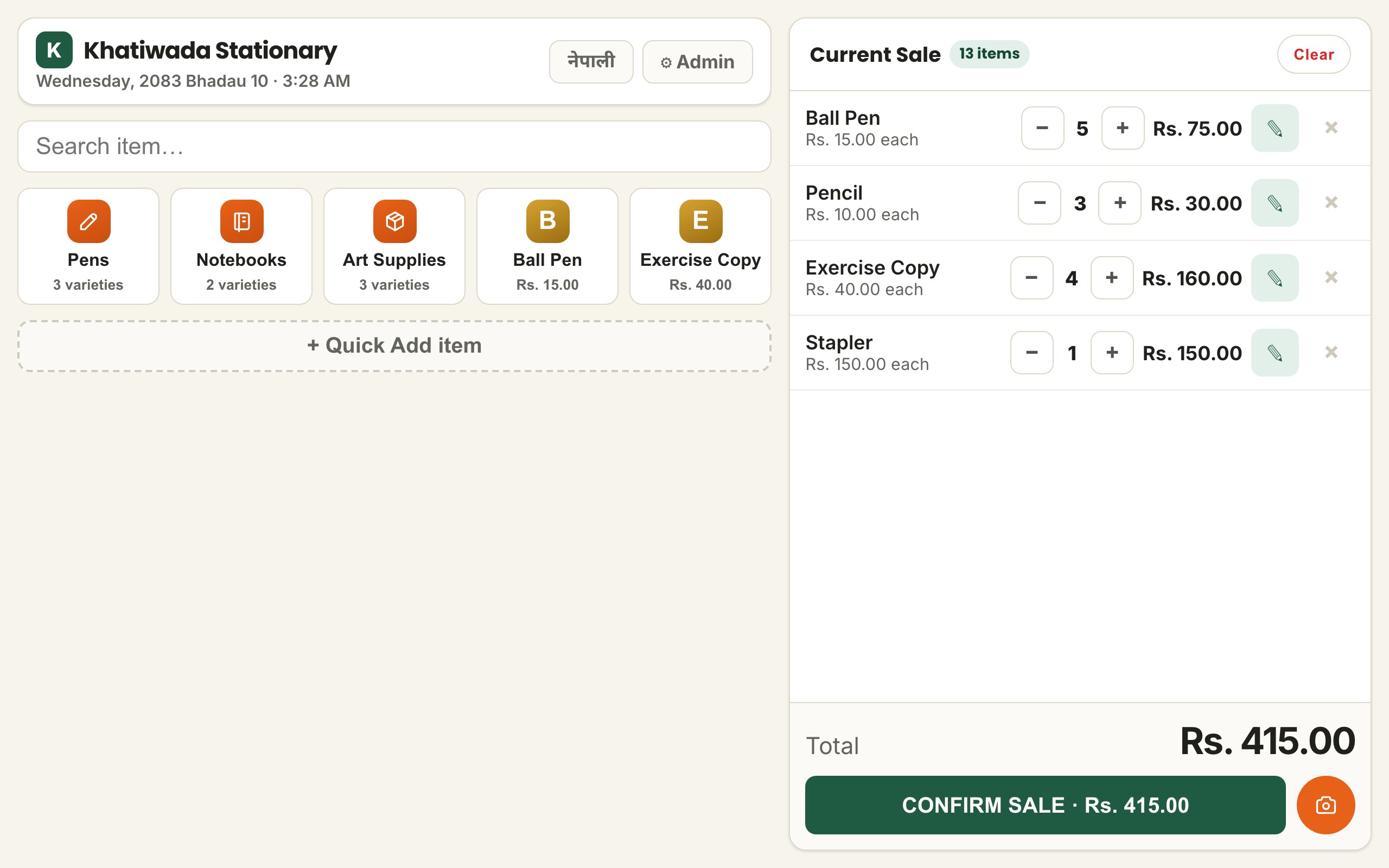
Search or scan products, change quantities and finish the sale from one screen.
Different shops do not all sell the same way. Tell us what kind of business you run and KPOS can set you up with a POS product prepared for that trade, using the phone, tablet or computer you already have.
KPOS provides the common account, shop environment, setup and support around POS products prepared for different kinds of businesses. These examples show how the selling flow can change with the trade.
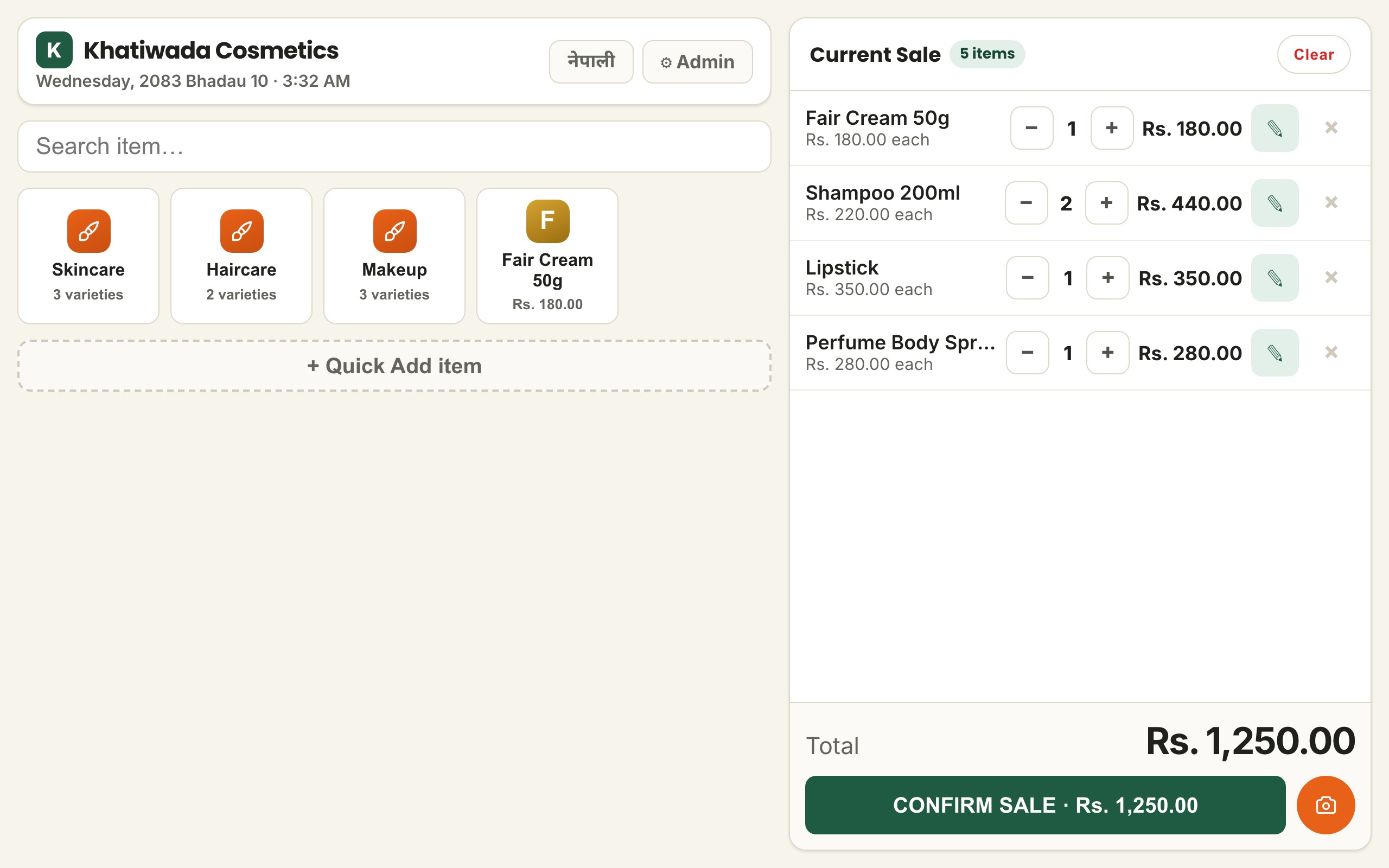
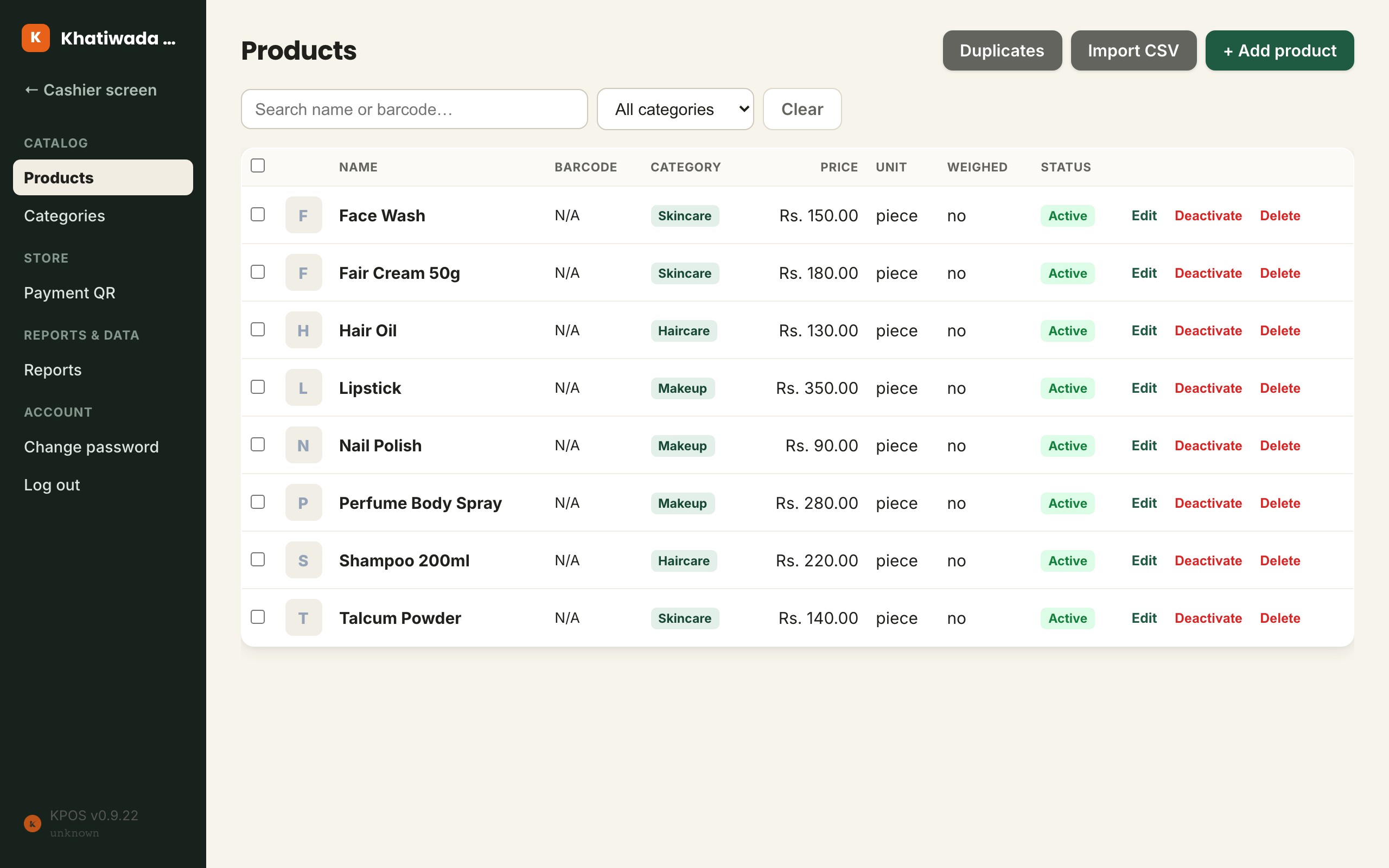
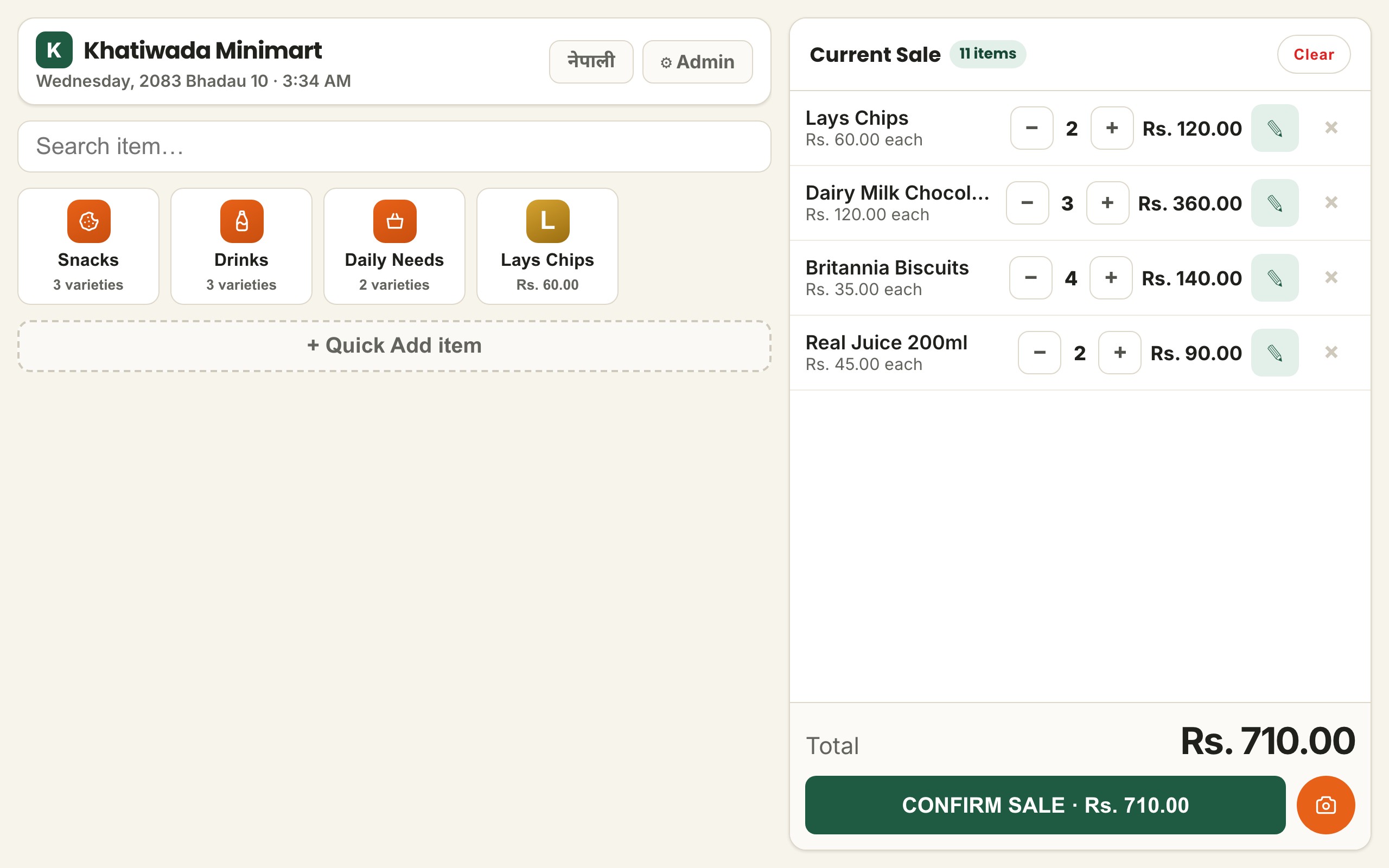
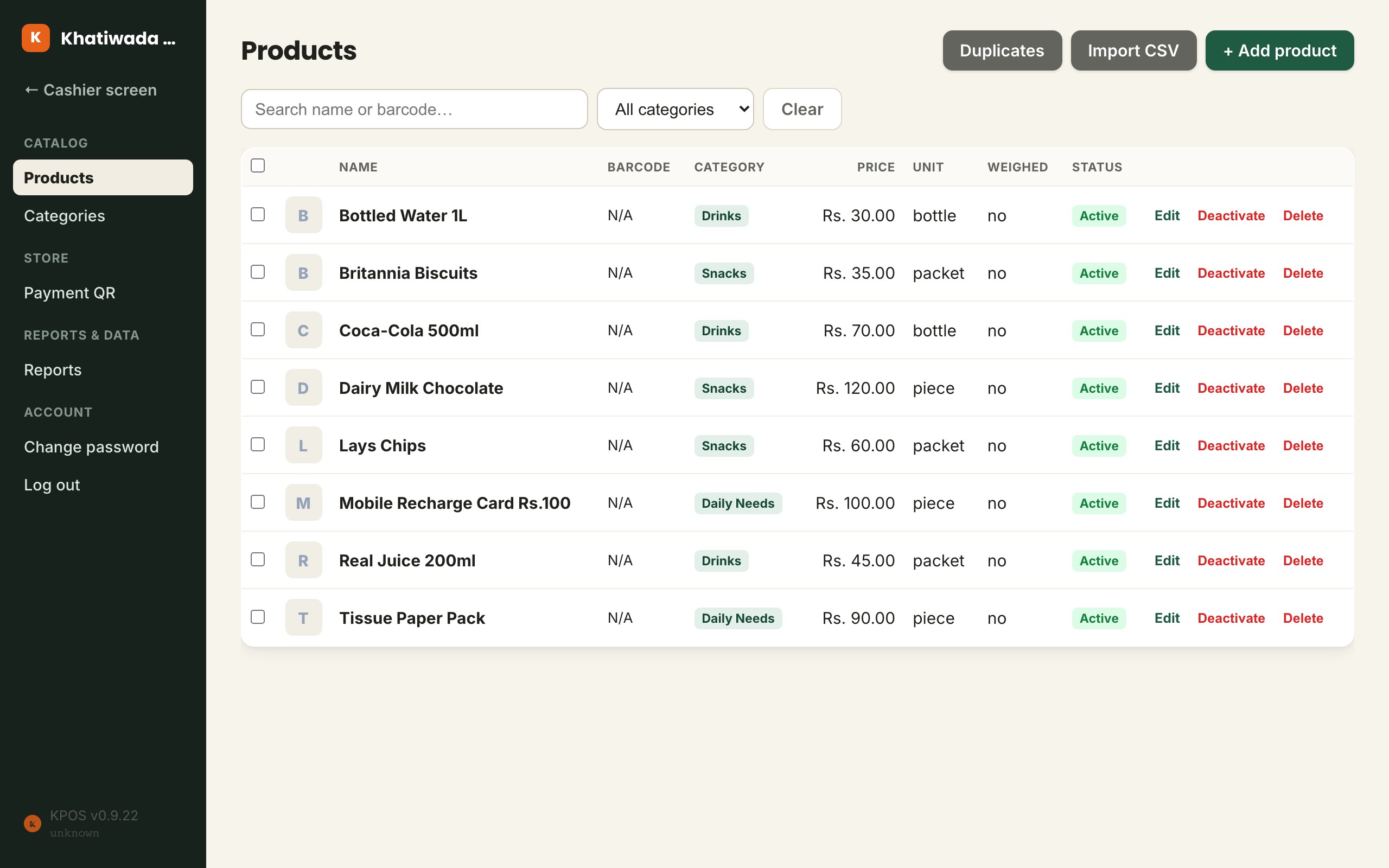
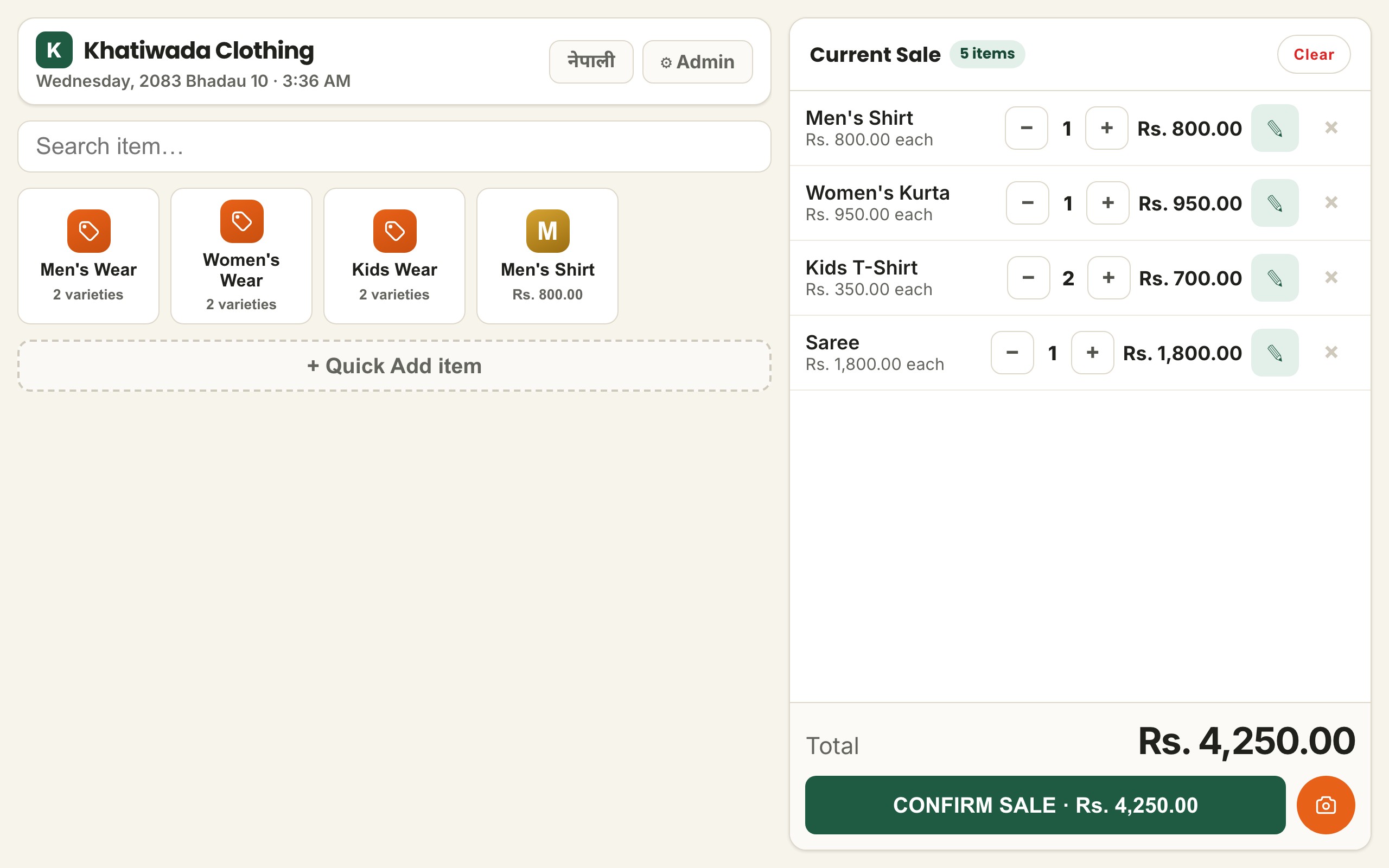
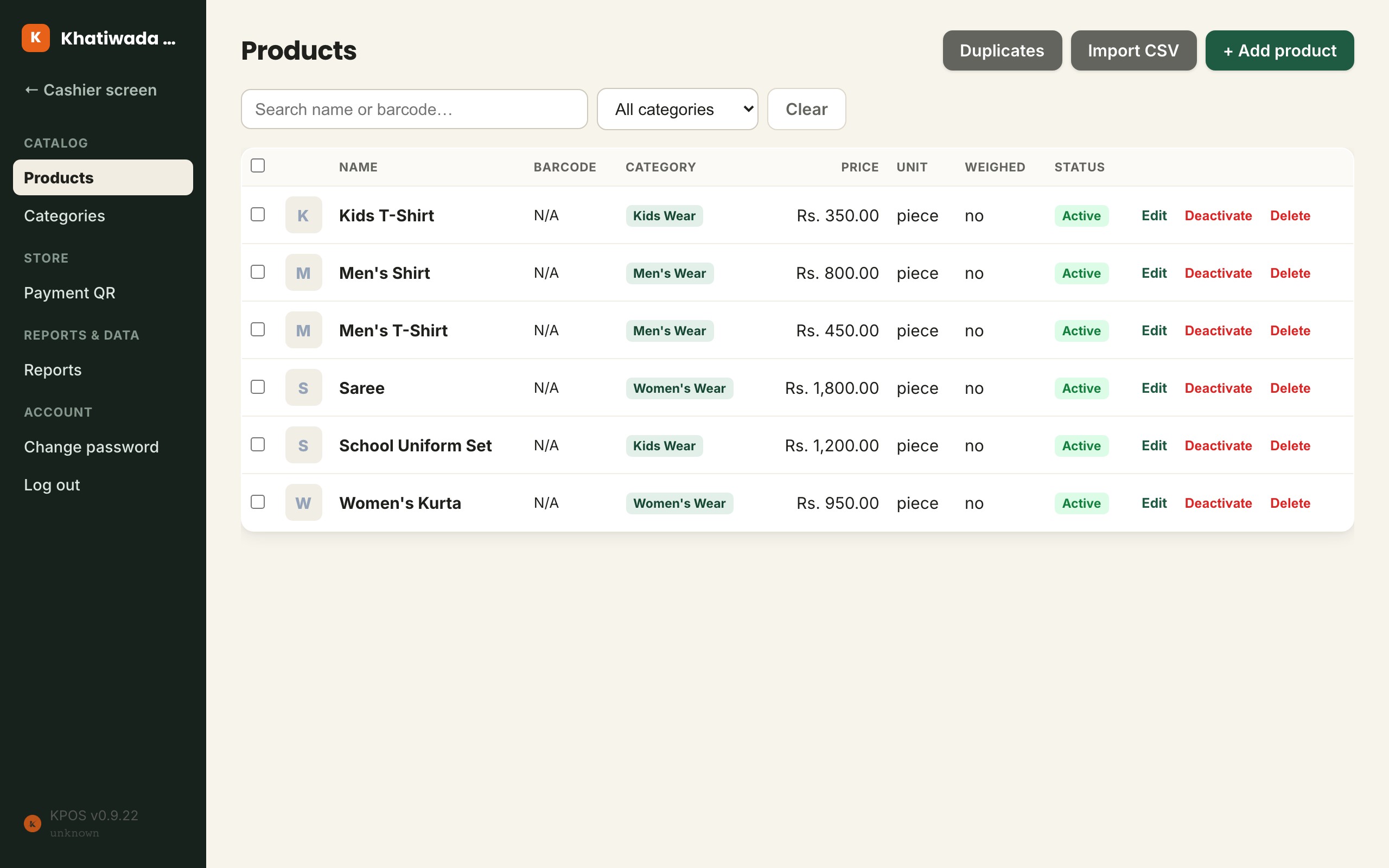
KPOS keeps the everyday jobs together without asking staff to learn a complicated system.
Search or scan products, change quantities and finish the sale from one screen.
Start on a phone, tablet or computer instead of buying a dedicated terminal first.
Products, prices and recorded sales stay in one place when you need to look back at the day.
If the internet drops for a while, the cashier keeps working on what is already saved on the device and syncs everything back automatically once it returns.
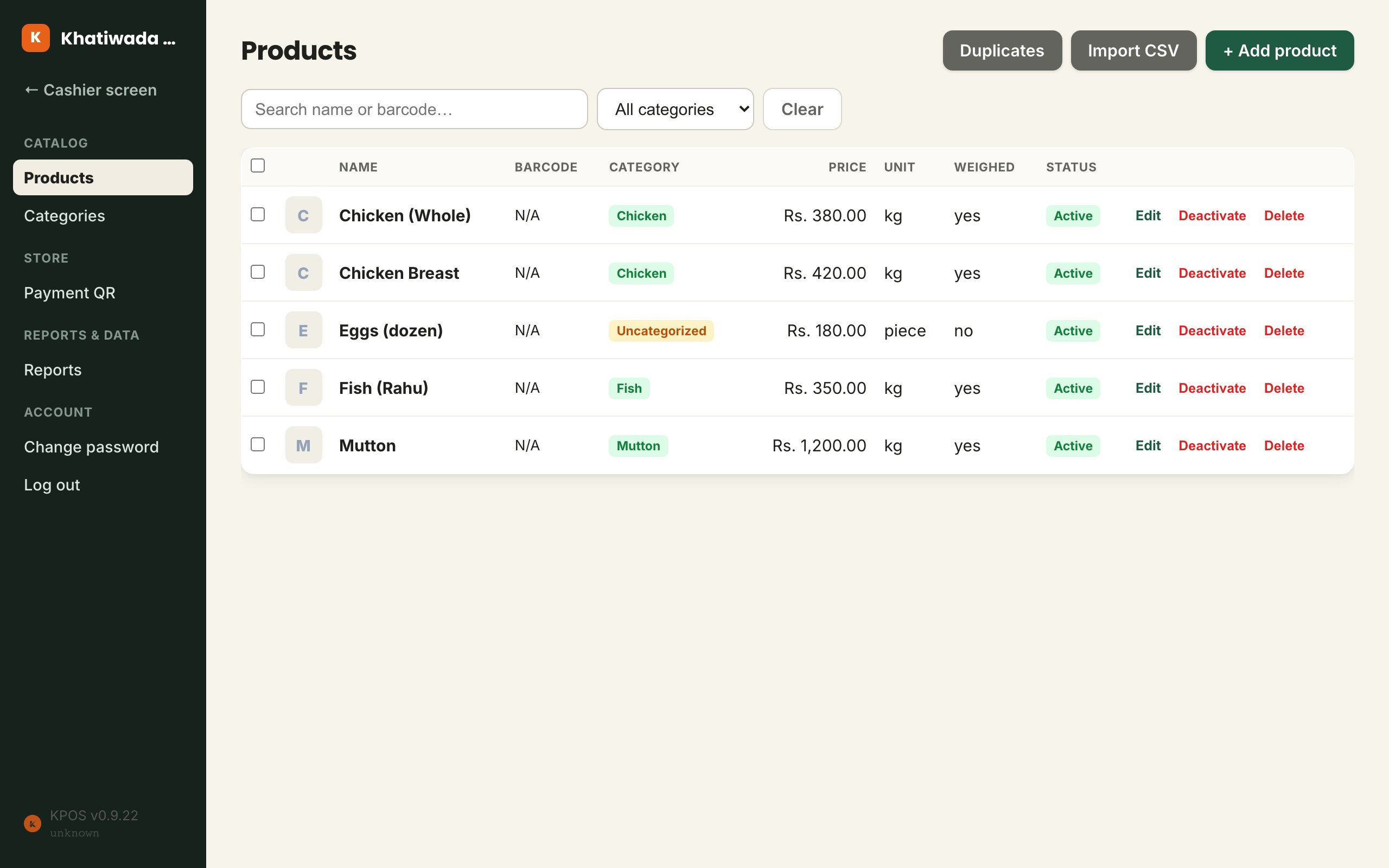
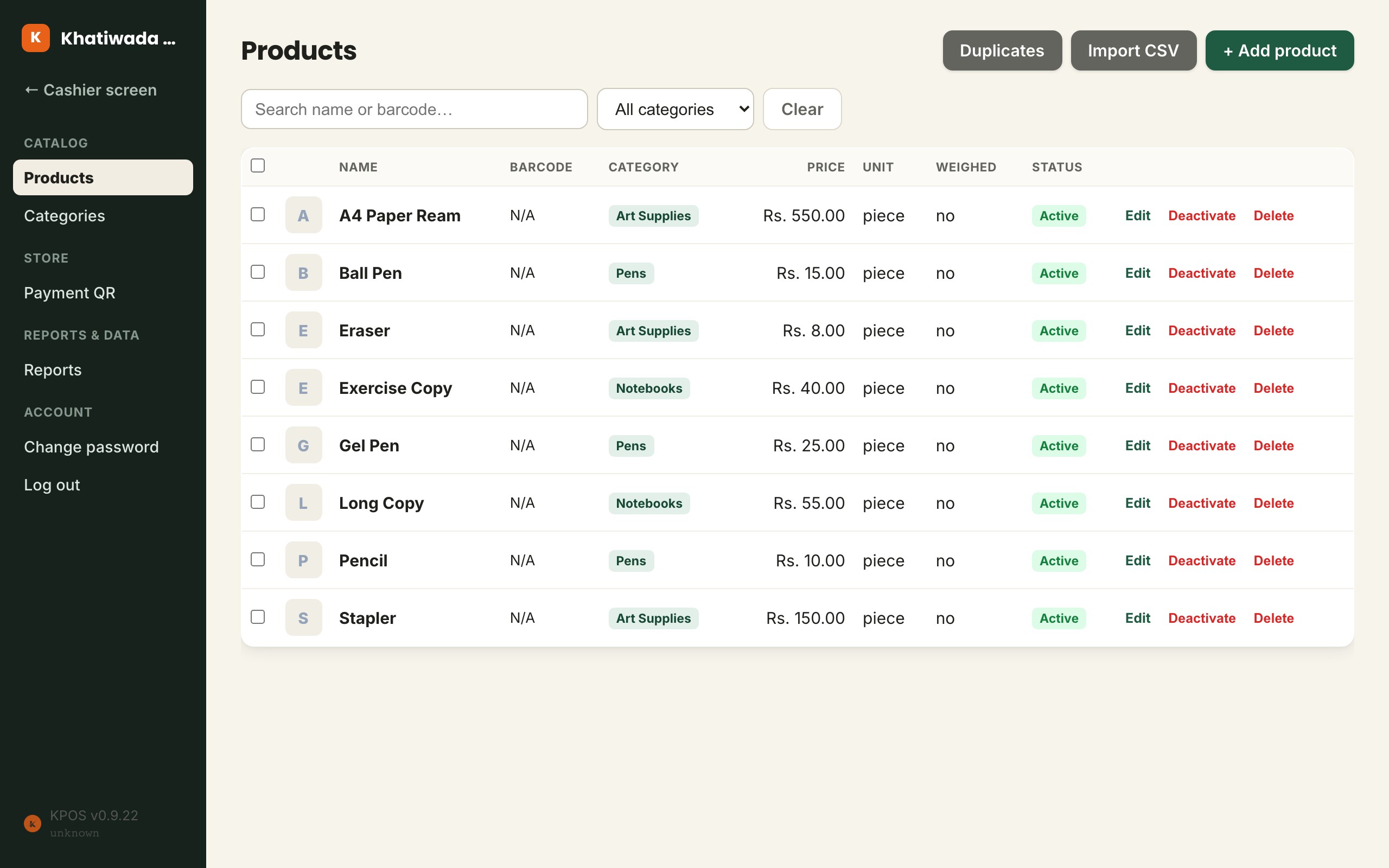
These are screenshots from the actual product, not a concept design.
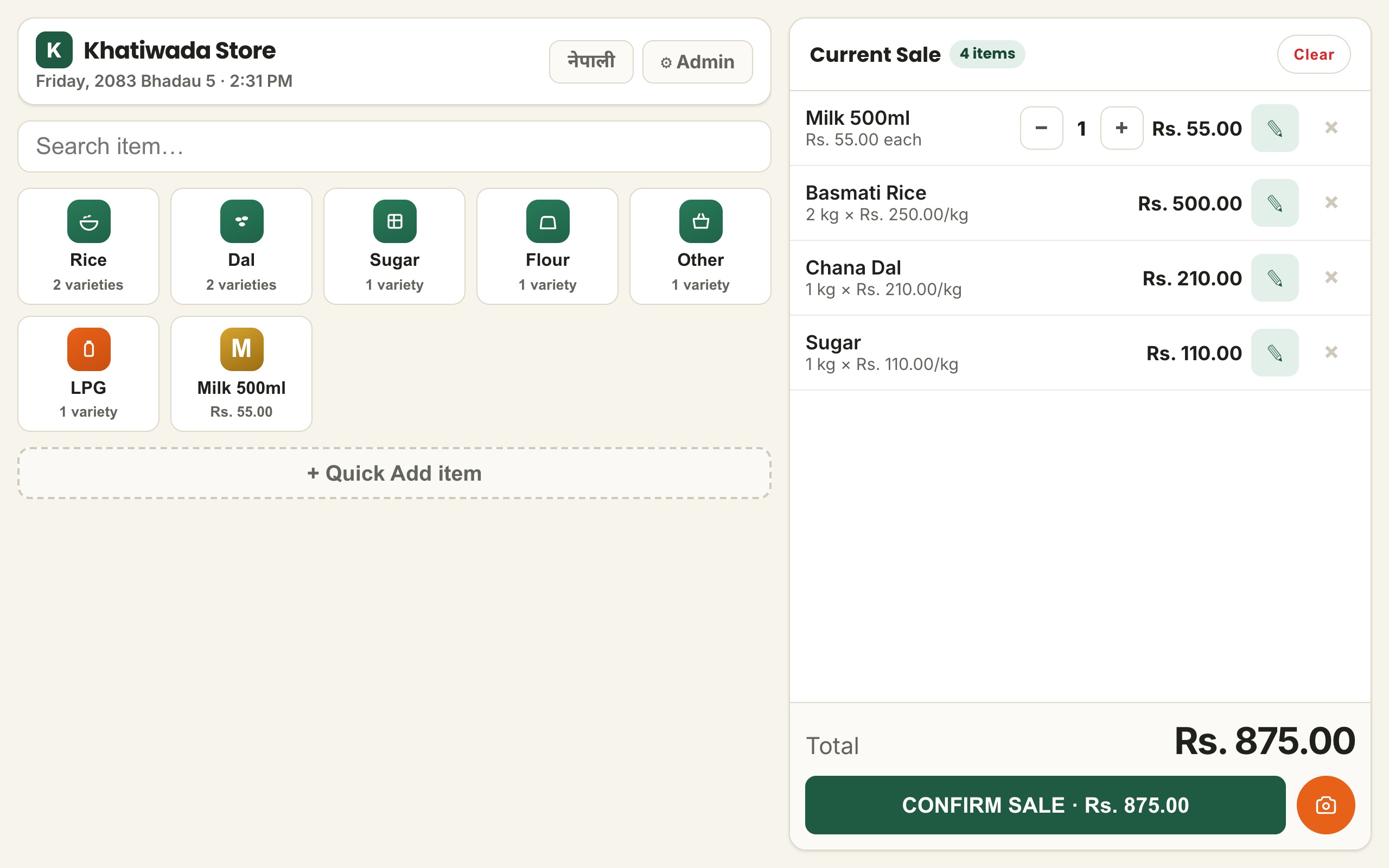
Find products, use quick buttons, change quantities and see the running total without jumping between pages.
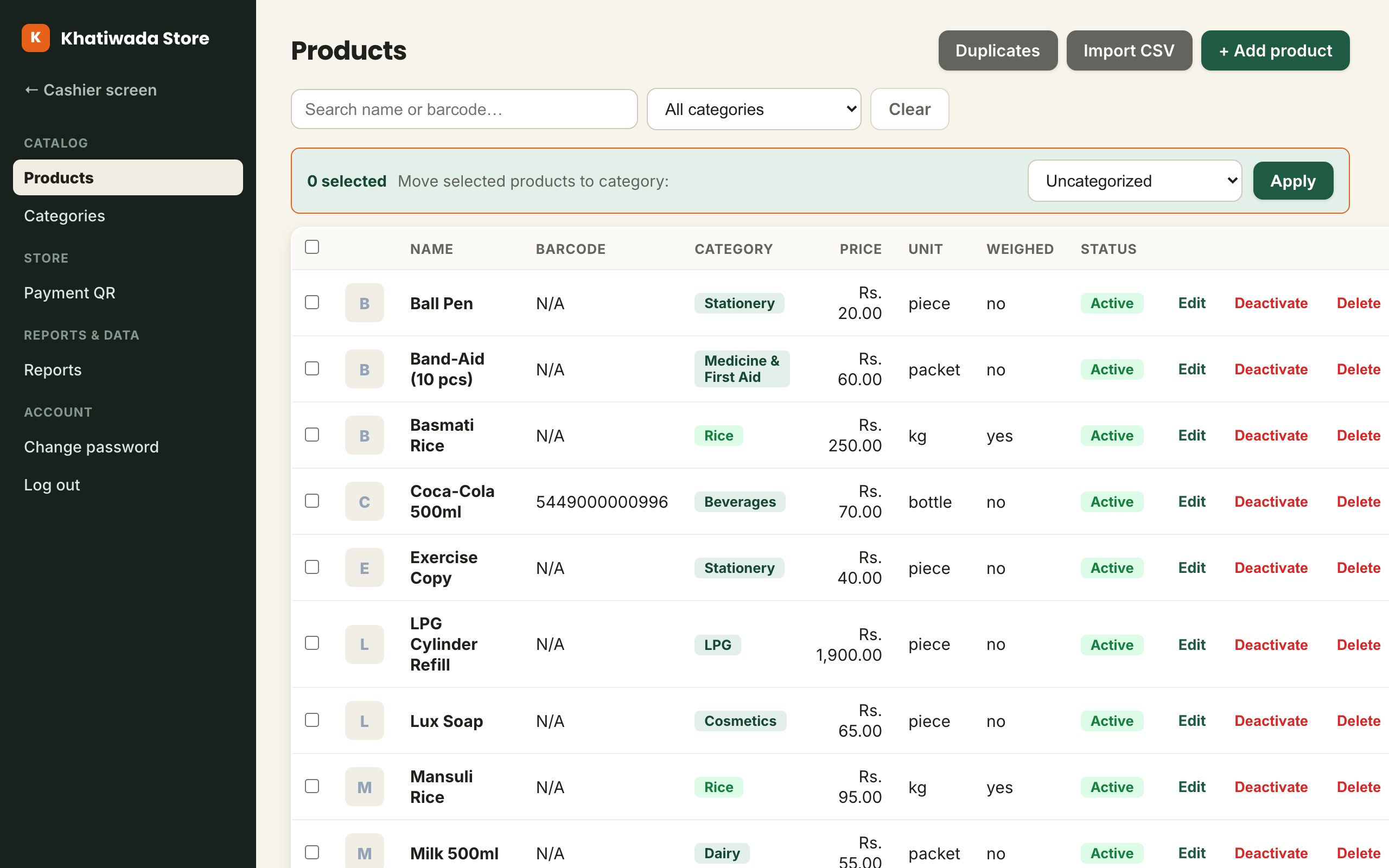
Add products, prices and shop details in the admin area so the cashier screen stays focused on selling.
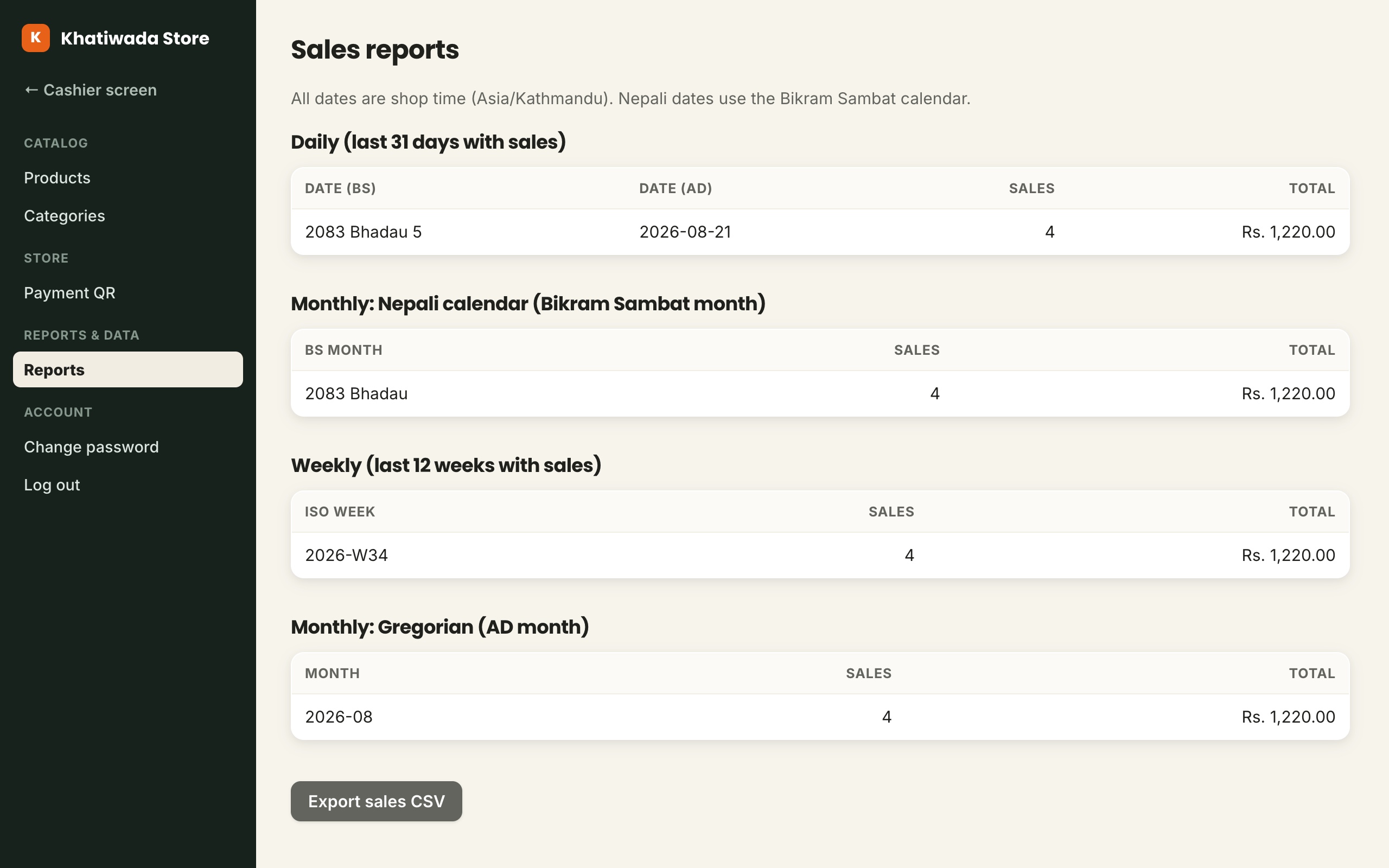
See daily sales with BS and AD dates side by side, review Nepali and Gregorian months, check weekly totals and export sales to CSV.

Khatiwada POS began as a system for Khatiwada Store, our family shop in Nepal. We built it around real counter work, then prepared it for other independent shops.
Tell us what kind of shop you run and how you sell. Your business type helps us identify the right POS product for the setup.
We prepare the POS product for your kind of shop together with your separate shop environment and login.
Open KPOS on your device and start with the products your shop sells.